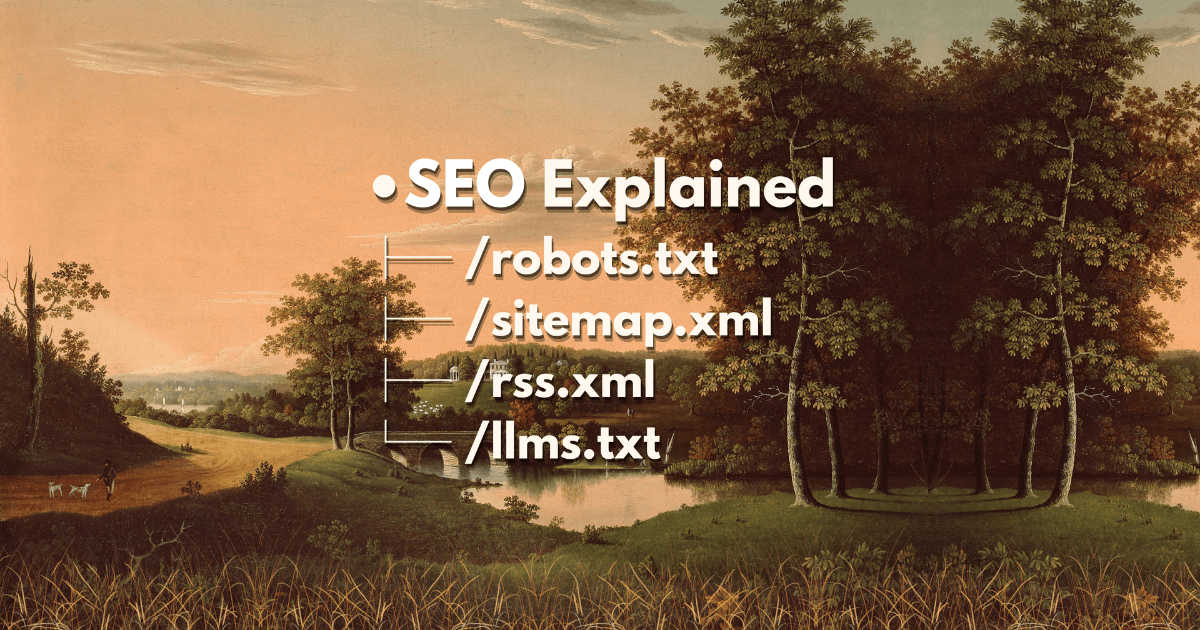
SEO Routes in Next.js
Learn how to add SEO routes in Next.js — robots.txt, sitemap.xml, RSS feed, and llms.txt for better search visibility.
What is SEO?
SEO stands for Search Engine Optimization. It helps search engines like Google and AI tools like ChatGPT find and understand your website. Good SEO practices improve your site's visibility in search results and make it more discoverable to users.
Why is SEO Important?
- Helps your site appear in Google search results
- Lets AI tools like ChatGPT and other LLMs know about your site
- Makes your website more discoverable to everyone
- Improves user experience with structured data
How to Add SEO Routes in Next.js?
In Next.js (App Router), you can add special SEO files by creating route files in the app/ folder that export specific functions. These files help search engines and bots crawl your site effectively.
Essential SEO Routes
1. robots.txt
The robots.txt file acts as a rulebook for bots — it tells them what they can and cannot visit on your site.
// app/robots.ts
import type { MetadataRoute } from 'next'

export default function robots(): MetadataRoute.Robots {
  return {
    rules: [
      {
        userAgent: '*',
        allow: '/',
        disallow: ['/room/'],
      },
    ],
    sitemap: 'https://yoursite.com/sitemap.xml',
  }
}This configuration allows all bots to access everything except the /room/ directory.
2. sitemap.xml
The sitemap is like a table of contents for your site — it lists all pages for search engines to crawl and index.
// app/sitemap.ts
import type { MetadataRoute } from 'next'

export default function sitemap(): MetadataRoute.Sitemap {
  return [
    {
      url: 'https://yoursite.com',
      lastModified: new Date(),
      changeFrequency: 'daily',
      priority: 1,
    },
    {
      url: 'https://yoursite.com/about',
      lastModified: new Date(),
      changeFrequency: 'monthly',
      priority: 0.8,
    },
    {
      url: 'https://yoursite.com/blog',
      lastModified: new Date(),
      changeFrequency: 'weekly',
      priority: 0.9,
    },
  ]
}The priority value ranges from 0 to 1 — higher values indicate more important pages.
3. RSS Feed (rss.xml)
An RSS feed acts as a newsletter for your content — it lets users subscribe to your updates and helps feed readers track new content.
// app/rss.xml/route.ts
import { getAllBlogPosts } from '@/features/blog/data/posts'

export async function GET() {
  const posts = getAllBlogPosts()

  const rss = `<?xml version="1.0" encoding="UTF-8"?>
<rss version="2.0" xmlns:atom="http://www.w3.org/2005/Atom">
  <channel>
    <title>Your Site Name</title>
    <link>https://yoursite.com</link>
    <description>Description of your site</description>
    <language>en-us</language>
    <lastBuildDate>${new Date().toUTCString()}</lastBuildDate>
    ${posts
      .map(
        (post) => `
    <item>
      <title>${post.metadata.title}</title>
      <link>https://yoursite.com/blog/${post.slug}</link>
      <description>${post.metadata.description}</description>
      <pubDate>${new Date(post.metadata.createdAt).toUTCString()}</pubDate>
    </item>`
      )
      .join('')}
  </channel>
</rss>`

  return new Response(rss, {
    headers: {
      'Content-Type': 'application/xml',
      'Cache-Control': 'public, max-age=0, s-maxage=3600',
    },
  })
}This creates a dynamic RSS feed that includes all your blog posts automatically.
4. llms.txt
The llms.txt is a special file format designed for AI tools to understand your site structure and content. Unlike the other routes, this file should be placed in the public/ directory.
Create public/llms.txt with the following content:
# Your Site Name

> https://yoursite.com

A brief description of your site and what it offers.

## Pages

- [Home](https://yoursite.com) - Main landing page
- [About](https://yoursite.com/about) - About me
- [Blog](https://yoursite.com/blog) - Blog posts and articles
- [Projects](https://yoursite.com/projects) - My projects

## Latest Posts

{{ range 5 }}
- {{ .title }} - {{ .url }}
{{ end }}Best Practices
- Keep your sitemap updated — only include pages you want indexed
- Use robots.txt wisely — block pages that shouldn't appear in search results
- Add RSS feeds — helps subscribers stay updated with new content
- Use descriptive metadata — titles, descriptions, and tags improve discoverability
- Validate regularly — test your SEO routes with tools like Google Search Console
That's It!
Adding these SEO routes takes just a few minutes but significantly helps your site get found online. Simple, right?